
Meet Blackboard Ally
Accessible Content Is Better Content. Ally is Blackboard’s integrated accessibility tool. It allows anyone to download alternative formats of course content as well as making it easier for instructors to see what elements of a course need modifications to improve accessibility.
What Does Ally Do?
Ally has a range of features that make it easier for students to access course content in the format of their choice and for instructors to proactively pinpoint accessibility issues and make improvements.
Alternative Formats
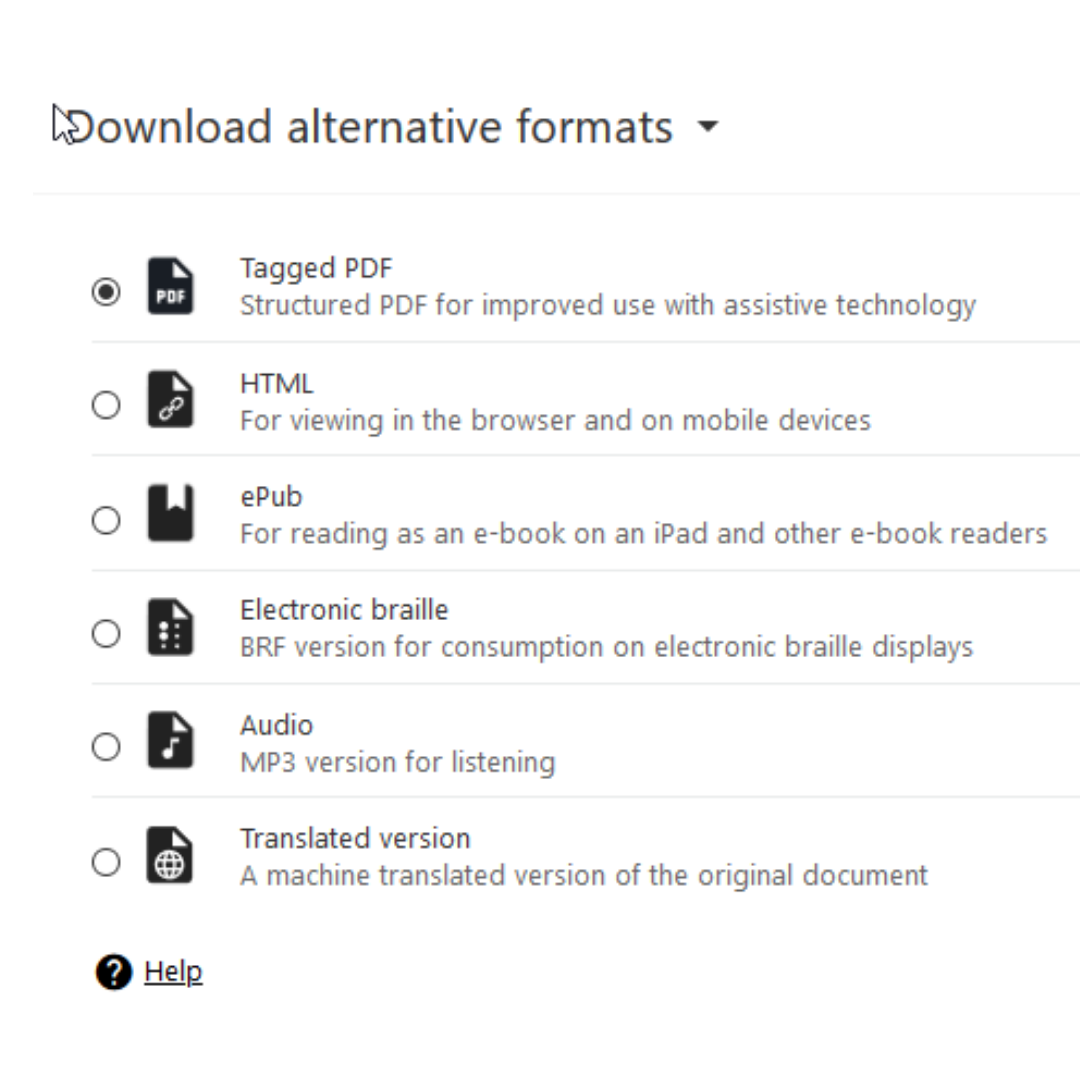
Both you and your students can download alternative formats of course content, including audio recordings and accessible PDFs.
Accessibility Meter
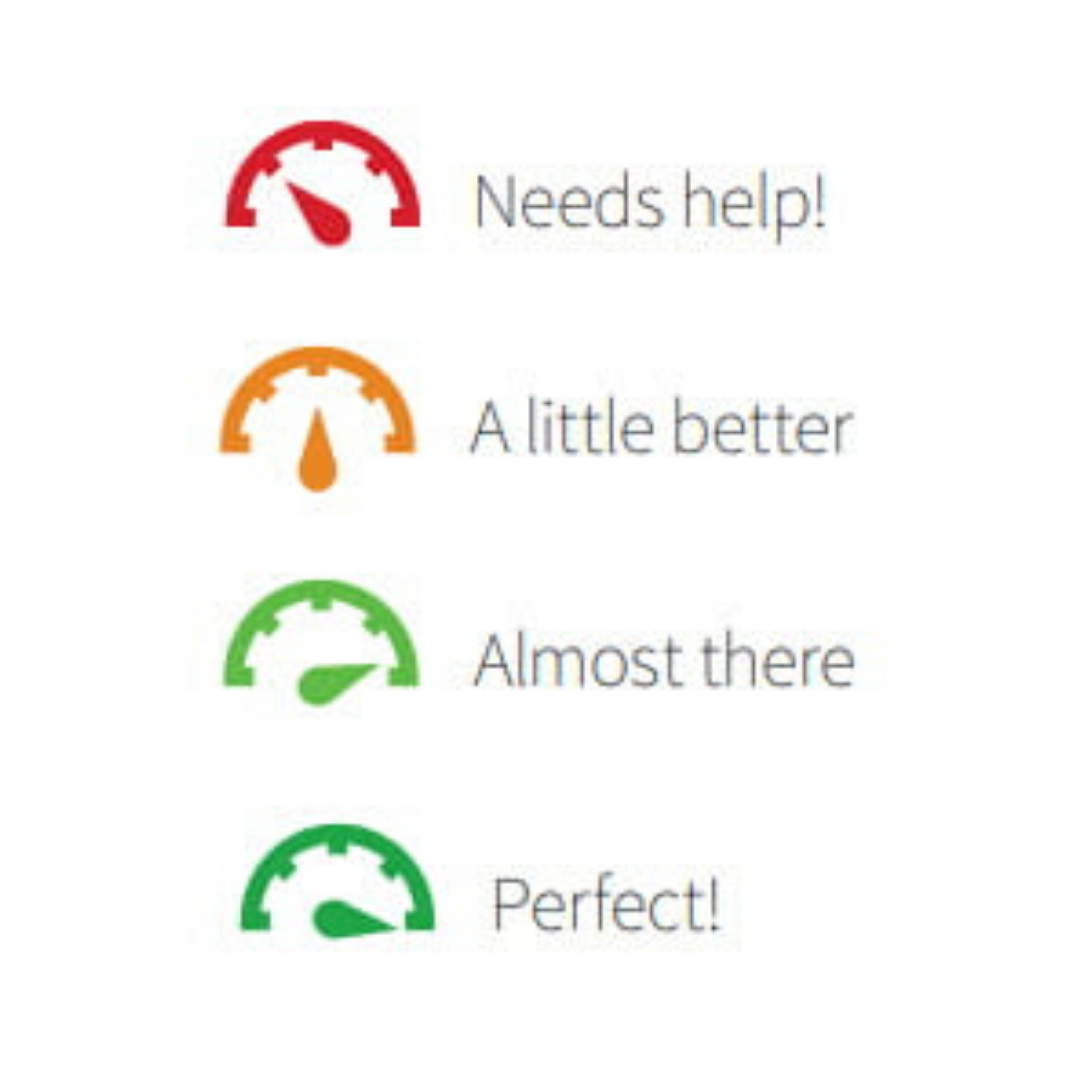
Visible only to instructors, Ally provides scores to measure the accessibility of content. Accessibility scores are determined by the severity of issues in each digital file.
Remediate Course Content
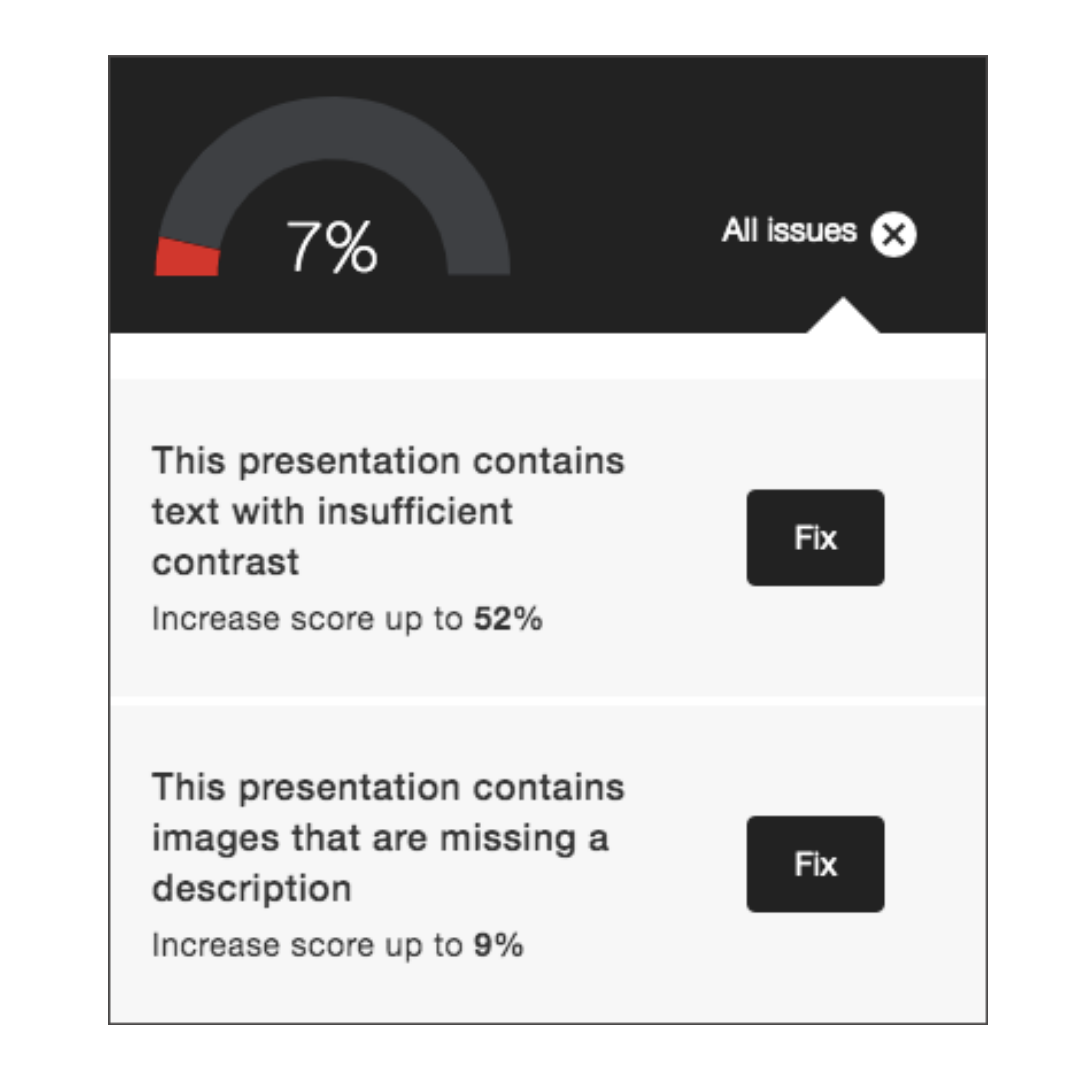
Once instructors locate the accessibility score for a piece of content, they can use Ally to explore specific accessibility issues and improve the content to raise the score.
Support for Ally
Looking for some guidance in using Ally? Learning Technologies has support resources to assist instructors.
What’s New in Ally?
New updates and improvements are always being made to Ally. You can find the latest in the Ally Release Notes on the Blackboard site. Here are some of the changes to note:
Bug Fixes and Improvements
- Improved the Instructor Feedback experience to allow content preview to show HTML content blocks as visable content.
-
Fixed an issue for Blackboard instructors where images that were inserted without a description inside of a table within Documents were not being flagged correctly by Ally.
-
Fixed an issue within Ally’s custom help workflows that prevented inserted URLs from resolving when clicked.
-
Fixed an issue in Blackboard that prevented the instructor from applying a new font color when using the quick fix for highlighted contrast issues within Documents.
-
Fixed a workflow issue in the OCR PDF Quick fix that resulted in an oops error if the instructor first applied the OCR fix and then unselected Download Original Format.
-
Fixed an issue in the new Ally Usage Report that caused downloads to timeout unexpectedly when selecting a longer date range. Please note that admins should clear the browser cache now that this fix has been released before attempting a new download.
Ally Training Resources
Blackboard Ally Course Accessibility Report Training
This training introduces faculty to practical methods for identifying, resolving, and prioritizing accessibility issues in their course materials using Blackboard Ally. It highlights common barriers for students, quick wins, and strategies for utilizing the Course Accessibility Report, empowering instructors to make steady, meaningful progress on accessibility without becoming overwhelmed.
There are two versions of this training. One version requires deliverables and can count for PDH.
Let Us Help You!
Remediating everything in your course can be daunting– let us help you through the process! We’ll guide you on: adding captions and transcripts to multimedia, using built-in Microsoft tools to improve document accessibility, and using Ally to review and enhance course content accessibility. Make an appointment with LT by sending us an email at learningtech@cod.edu.
