
In my previous post on Ally, I showed you guys how to access your dashboard and check out your course score as well as which items need the most work to increase that course score. For one of my classes, this looked like this.
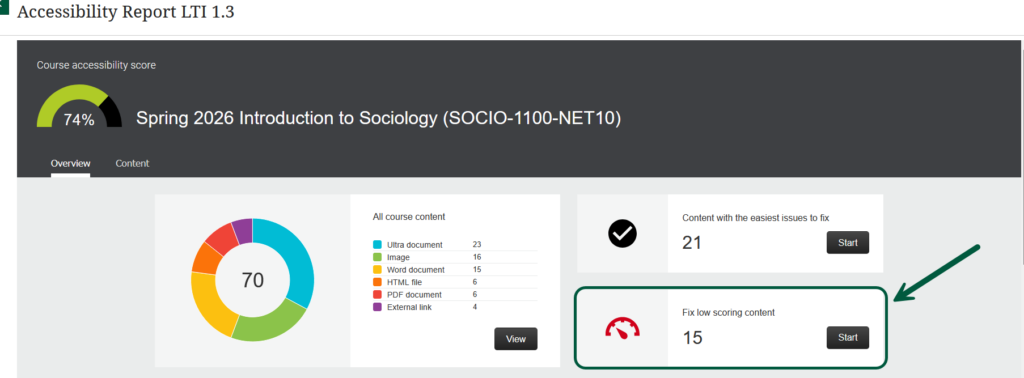
As you can see, my course score was 74% with 15 low-scoring items. In this post, I’ll work on fixing these low-scoring items with the tools available in Blackboard. If you click on Start, Ally will show you a more detailed list of these items, their individual scores, and the number of issues they carry:
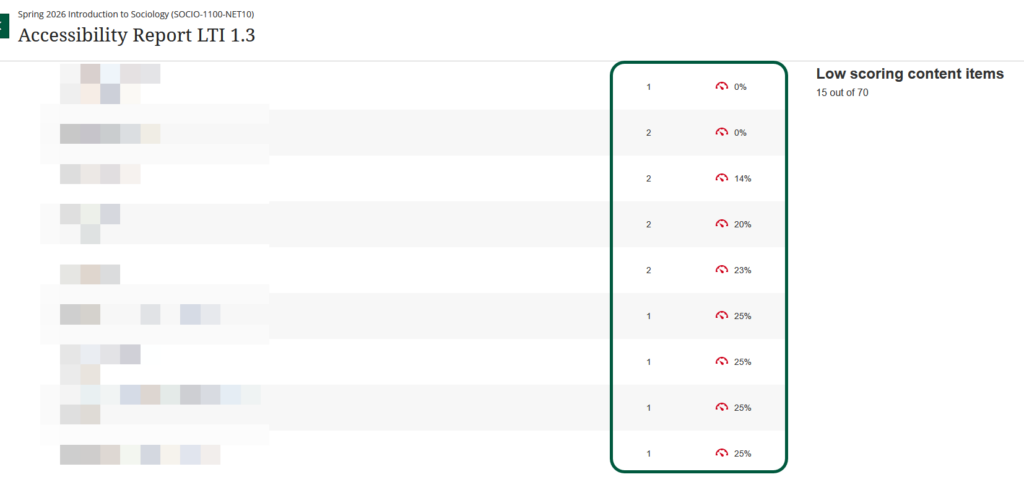
All these items are clickable, so I’ll start at the top, with the couple of 0% items.
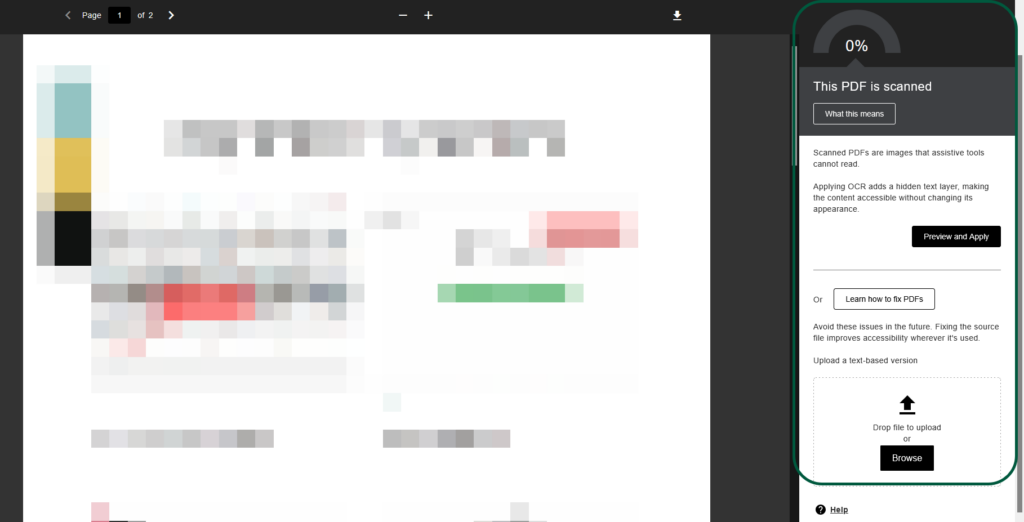
The first one is a pdf I created with snagit to demonstrate a process. Apparently, it’s not readable. Thankfully, it’s something Ally can fix:
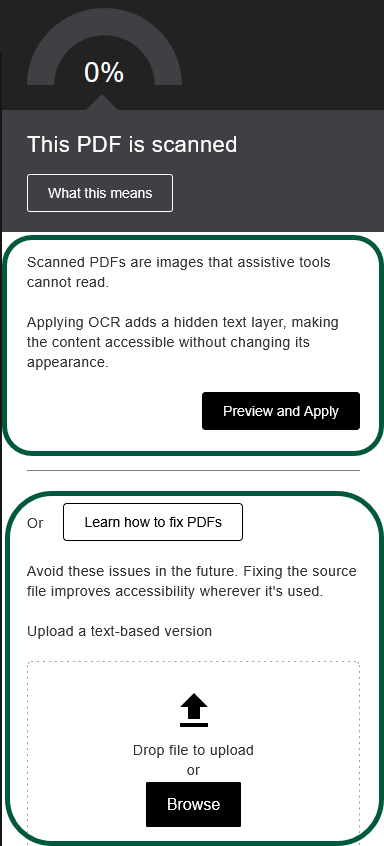
The top of the right side menu shows me that it’s fixable inside Blackboard, and the bottom part is another option, especially for pdf you created yourself, so you have the original file. In that case, if Blackboard cannot fix it, you may need to go back to the original file and fix it in the app in which you created it (word, adobe). In this case, I’ll the Blackboard fix by clicking on preview and apply:
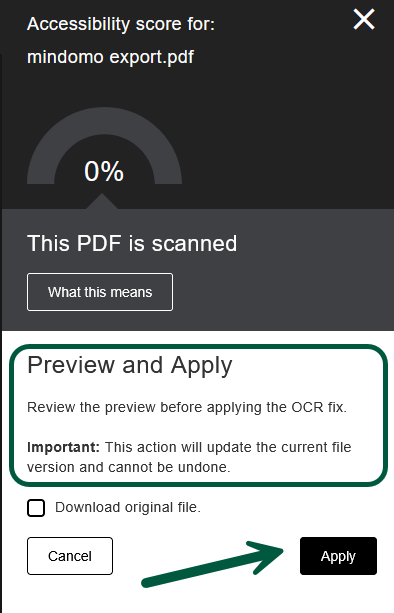
Be sure to check what your document looks like. If everything looks good, click on Apply.
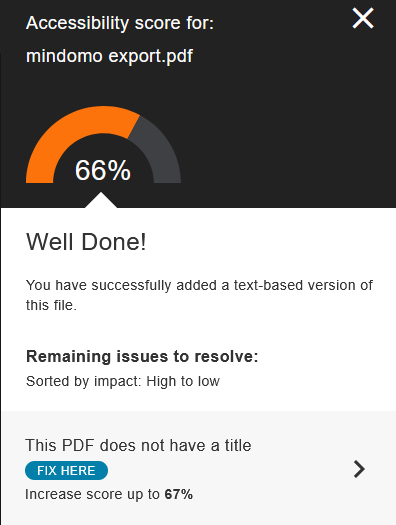
Nice. That document went from 0% to 66%. I will also apply the additional fix by adding a title, by clicking on Fix Here. This will open a text box where I can add a title.
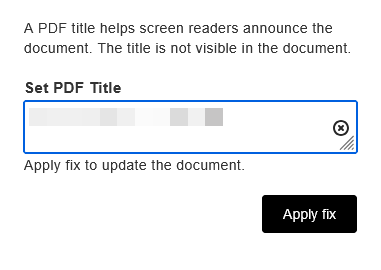
Then click on Apply Fix. Final score:
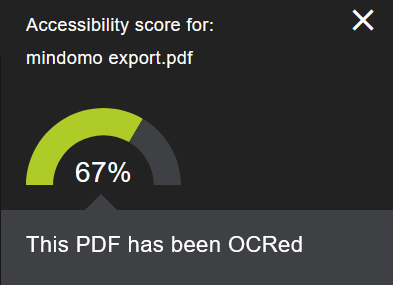
That literally to about 5 minutes to go from 0% to 67%, using only Ally.
1 down, 14 to go.
Thankfully, the rest of the issues are largely missing image descriptions. For instance:
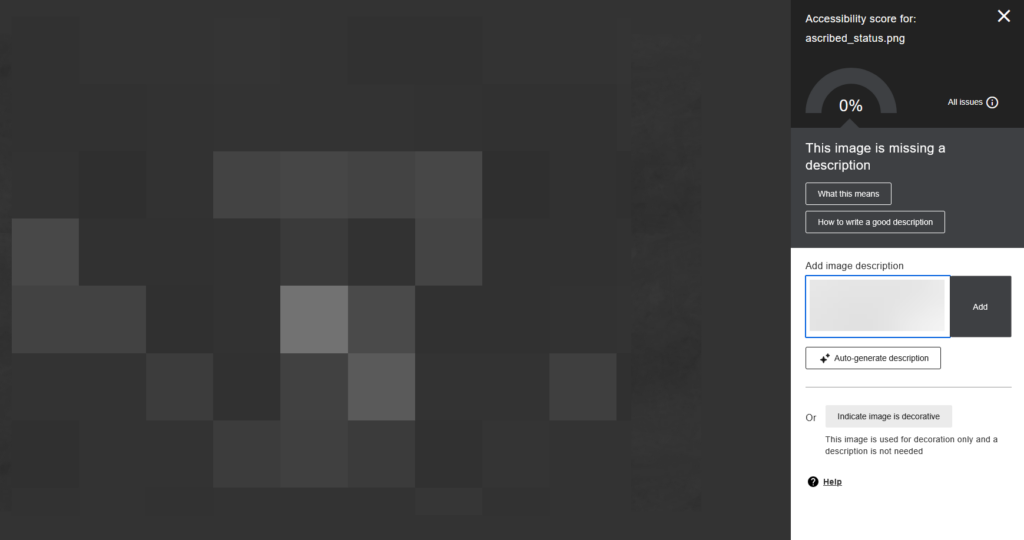
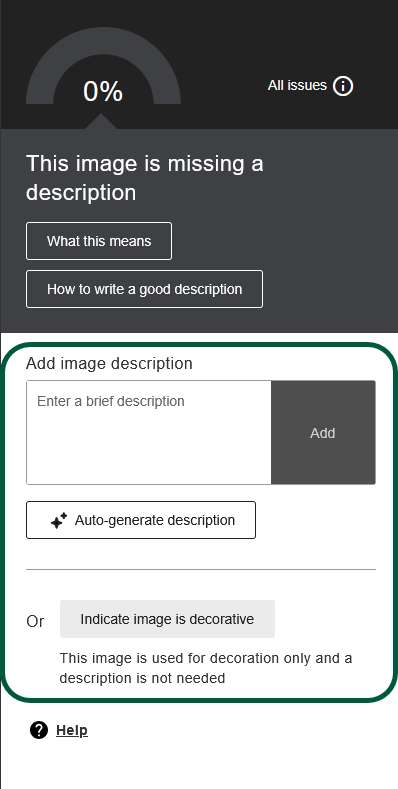
In this case, this is a black and white image I pixelated. The right panels has a couple of options: just type in a description, auto-generate a description (beware of hallucinations), or mark the image as decorative.
Just typing in a quick description greatly improves the score, but there remains a contrast issue that cannot be fixed inside Ally.
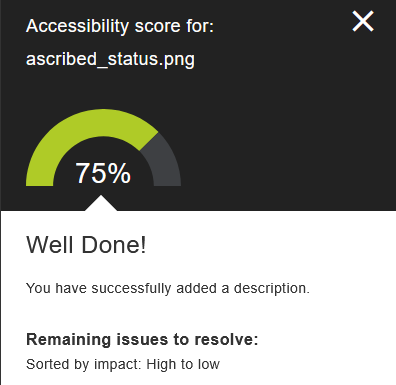
Generally, it looks like Ally does not like dark background. Here’s another quick example with the same issue:
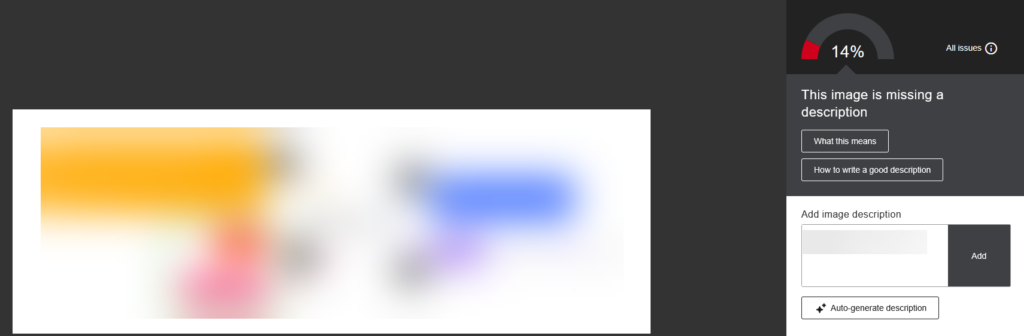
Again, just adding a description gives it a much better score:
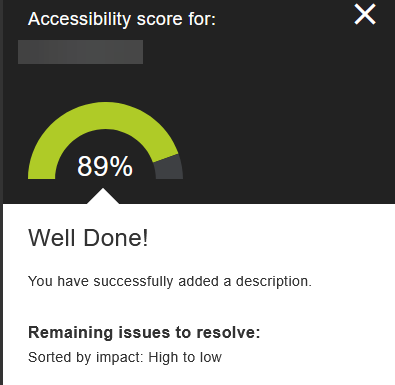
I went ahead and repeated the procedure, fixing all my low-scoring items. Doing this greatly improved my course overall score:
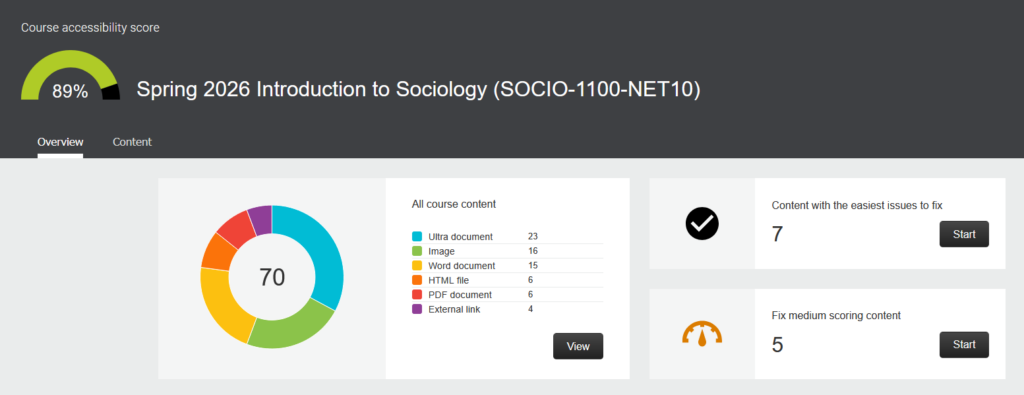
Doing it all took me about 20 minutes, just using Ally tools.
