• Main COD Website
  • Log into Blackboard
  • COD Portal
Learning Technologies
  • Home
  • Get Started
    • Faculty Get Started
    • Students Get Started
  • Tools
    • Ally
    • ARI
    • Blackboard Tools
    • Integrations
    • Media Creation
    • Syllabus Process
    • YuJa Video Platform
  • Blackboard Ultra
    • Ultra Overview
    • Ultra Support
    • What’s New in Ultra
  • Resources
    • Knowledge Base
    • Newsletter
    • Support Appointments
    • Training
  • Online Quality
    • Best Practices
    • RSI
    • Rubric
  • Blog
  • Home
  • Get Started
    • Faculty Get Started
    • Students Get Started
  • Tools
    • Ally
    • ARI
    • Blackboard Tools
    • Integrations
    • Media Creation
    • Syllabus Process
    • YuJa Video Platform
  • Blackboard Ultra
    • Ultra Overview
    • Ultra Support
    • What’s New in Ultra
  • Resources
    • Knowledge Base
    • Newsletter
    • Support Appointments
    • Training
  • Online Quality
    • Best Practices
    • RSI
    • Rubric
  • Blog
Do One Thing With Qwickly – Using The Check Out Feature

Do One Thing With Qwickly – Using The Check Out Feature

by Christine Monnier | Jun 17, 2026 | Christine Monnier, Ed Tech Tools, Guest Blogger, Integrations, Qwickly

As you know, this post is part of a series highlighting the Qwickly Attendance Pro features that are now available to us. I already discussed the basic set up in a past post. And in my latest post, I featured the use of a QR code to take attendance. In this post,...

A Note to Chairs on Accessibility

A Note to Chairs on Accessibility

by Christine Monnier | Jun 15, 2026 | Accessibility, Ally, Blackboard Ultra, Christine Monnier, Featured, Guest Blogger

As you know, we got a one year reprieve on the deadline to be compliant with the new DOJ web accessibility compliance standards (although there is a lawsuit pending on this). So we have a little less than a year to at least make significant progress on our web...
Do One Thing With Qwickly – Using The Check Out Feature

Do One Thing with Qwickly: Checking In with a QR Code

by Christine Monnier | May 13, 2026 | Christine Monnier, Ed Tech Tools, Featured, Guest Blogger, Integrations, Qwickly

I have blogged about Qwickly Attendance before. I much prefer to use Qwickly for attendance than the native Blackboard tool for reasons explained in the blog post. Now, the college has gotten us a pro license for Qwickly, which means we get access to a bunch of...
About That Intel AI Training

About That Intel AI Training

by Christine Monnier | Apr 21, 2026 | Christine Monnier, Ed Tech Tools, Featured, Guest Blogger

As you all know, at our last kick-off events, the President told us that the college was going to bring an AI tool that both we and our students would be able to use, presumably, an enterprise product. You all know my thoughts on AI (specifically LLMs). I have laid...
Accessibility Beyond Ally: Leveling Up Your Accessibility Score

Accessibility Beyond Ally: Leveling Up Your Accessibility Score

by Christine Monnier | Apr 8, 2026 | Accessibility, Ally, Christine Monnier, Guest Blogger

The deadline we had to demonstrate meaningful progress is upon us… and we’re not quite there yet. Across all our courses, we still have a lot of files that need remediation. So we need to get going with this, at tad more actively than we have so far. If I...
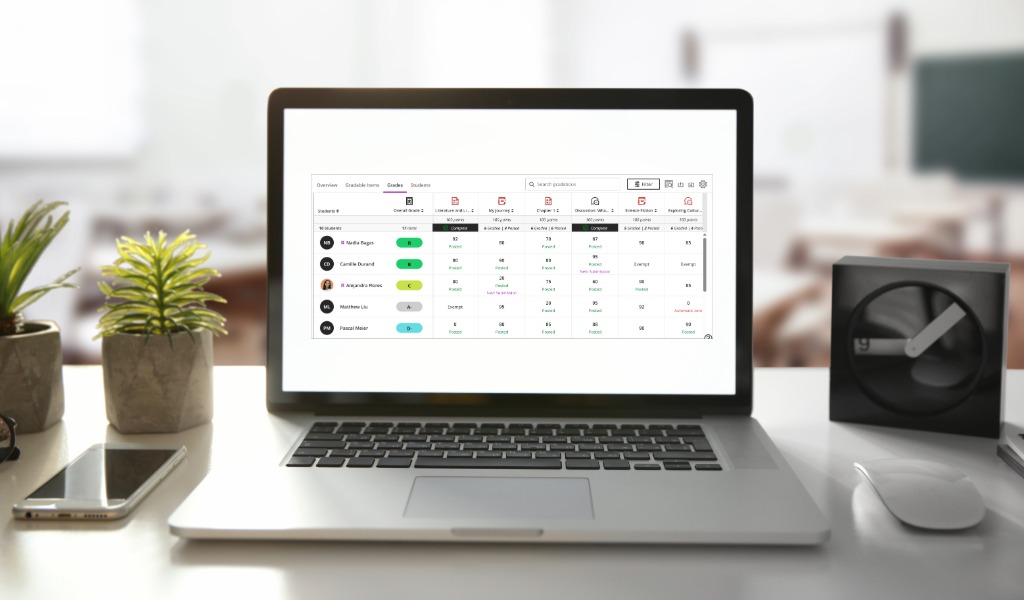
Do One Thing in Ultra: Reorder Your Grading Queue

Do One Thing in Ultra: Reorder Your Grading Queue

by Christine Monnier | Apr 7, 2026 | Blackboard Ultra, Christine Monnier, Do One Thing in Ultra, Guest Blogger

When you want to grade an assignment, by default, Ultra will list your submissions in alphabetical order. But what if you wanted a different order? For instance, I prefer grading in chronological order: the oldest submissions get graded first. Ultra gives you four...
« Older Entries

Helpful Links

  • > Blackboard Login
  • > LT Knowledge Base

Faculty Support

Learning Tech
  • > (630) 942-2490
  • > learningtech@cod.edu

IT
  • > (630) 942-4357
  • > helpdesk@cod.edu

Grades
  • > (630) 942-3838
  • > gradesdept@cod.edu

Adjunct Support
  • > oafs@cod.edu

Student Support

Student Help Desk
  • studenthelp@dupage.edu
  • (630) 942-2999
Student Resources
  • Getting Started
  • Ultra Support

Learning Technologies at College of DuPage

  • Office: BIC 3401 
  • Phone: (630) 942-2490
  • Email: learningtech@cod.edu
  • Follow
  • Follow
  • Follow