
Last semester, we all got an email from Wendy Parks informing us that the college had started a Canva Pro pilot program at the college.
I have been using Canva for a long time and this is where I create all my presentations (but Canva does a lot more than that), because I don’t really care for PowerPoint.
Canva allows you to create awesome documents, however, they are not accessible by default. So, if you plan on using Canva, you are going to need some extra steps for your content to be accessible.
For instance, even a simple slide with an image will need not be accessible as the image does not come with a description.
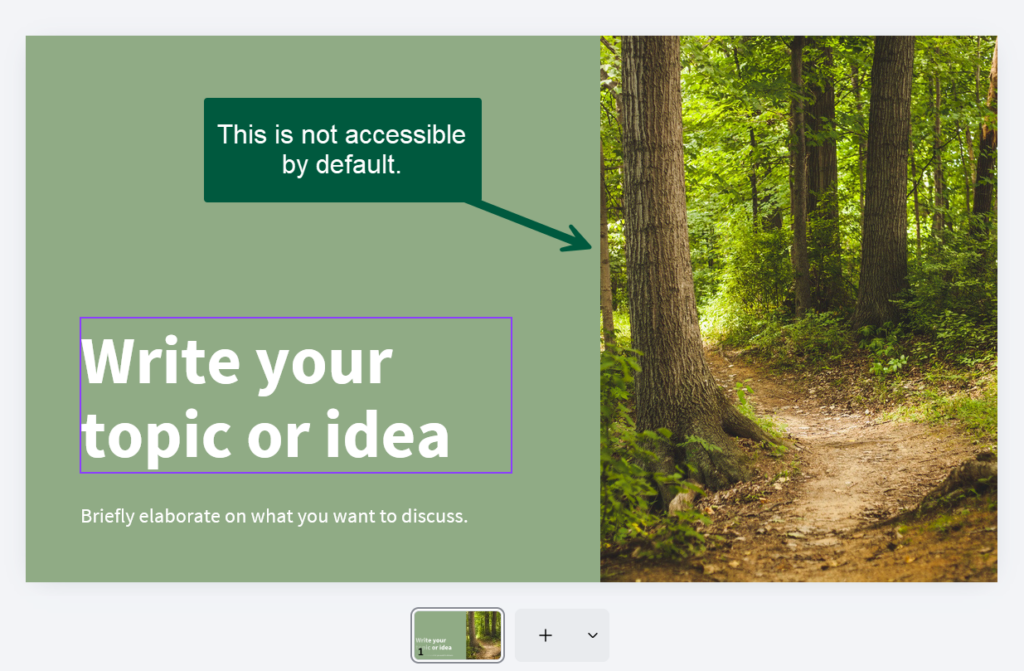
That’s easy enough to fix in Canva:
Right-click on the image and select alternative text as below:
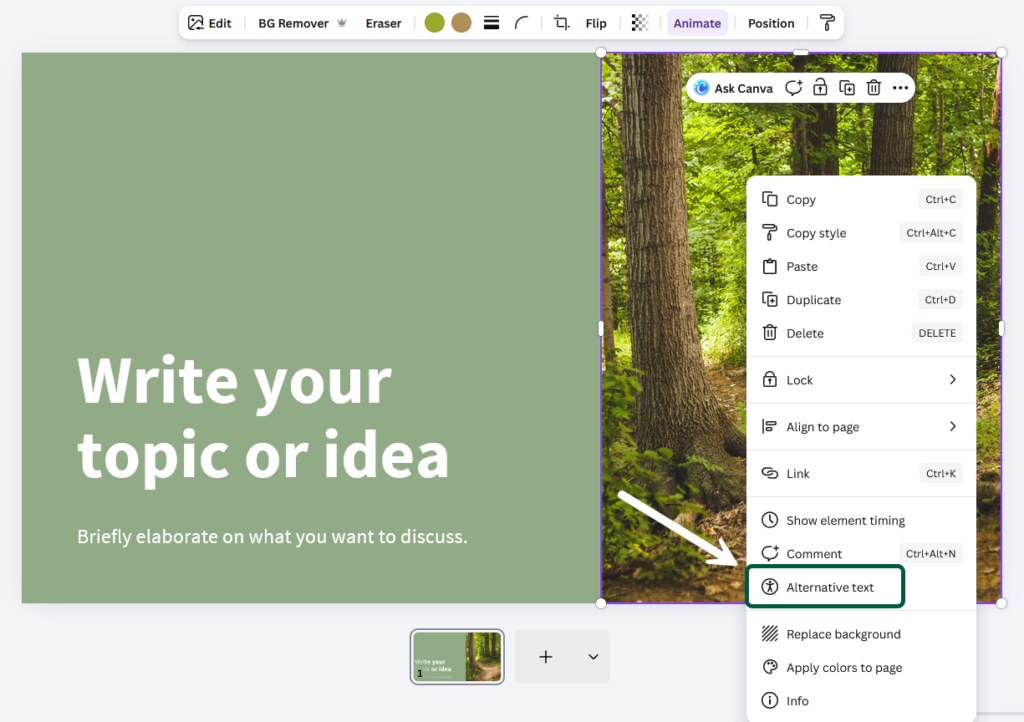
You will be presented with three options: enter the text description, use AI to generate the text (don’t do that), or check the box to indicate that your image is decorative.
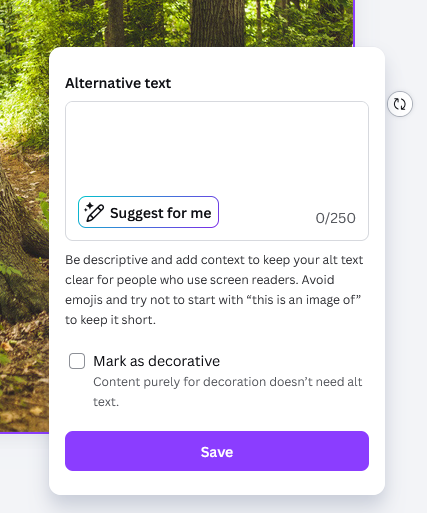
Then save, and you’re done.
Easy enough, but this particular presentation template is relatively minimalist. If you have something a bit busier, with a lot of items, like this one below, you will need to select each visual element (the ones where I have place arrows) and add alternative text, or mark each as decorative.
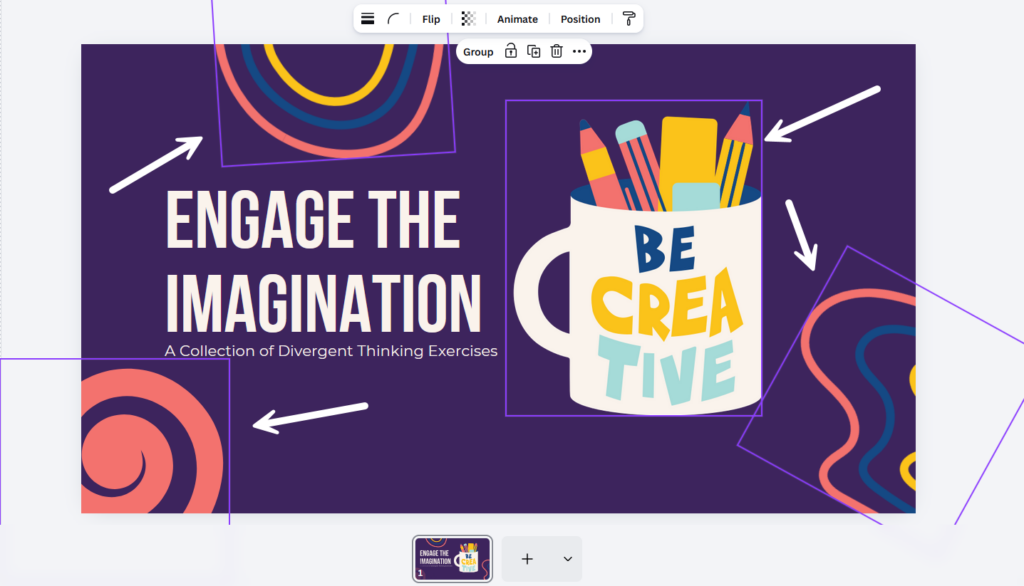
In this case, it’s easy because they’re all decorative (at least the squiggly lines thingies), but you will need to remember to do it for every slide.
And depending in the template you choose, this might mean a lot of elements to mark. The slide below is simple but there are still 8 items to check.
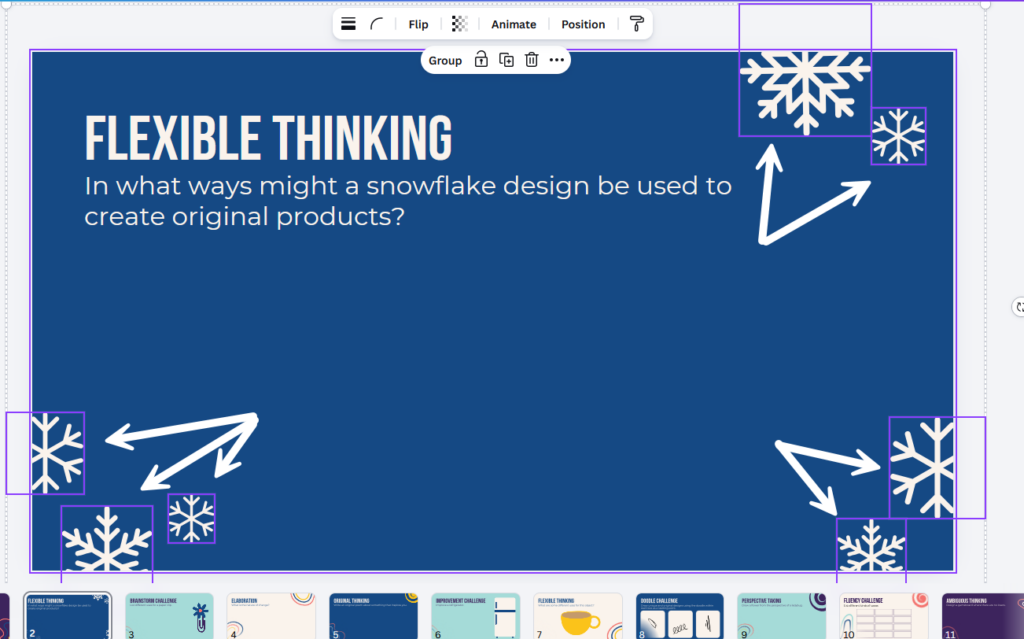
The only option I figured (someone smarter can correct me) is to create a fake presentation using the entire template deck, using the Apply All function:
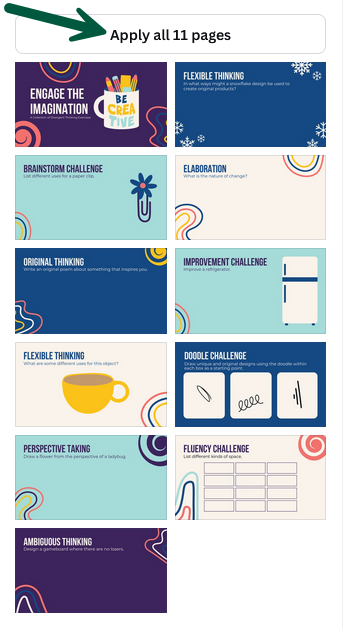
Then go through each slide and fix the alt-text issue. Then, reuse the fixed presentation when you need to create a new one from this template.
And just to be sure, if this is a presentation where I want my audience to be able to download and save it, I first download it for myself as a pptx file. I don’t use PowerPoint but this file format will open in LibreOffice or OnlyOffice. Then, do an accessibility check, and fix any remaining issues.
