
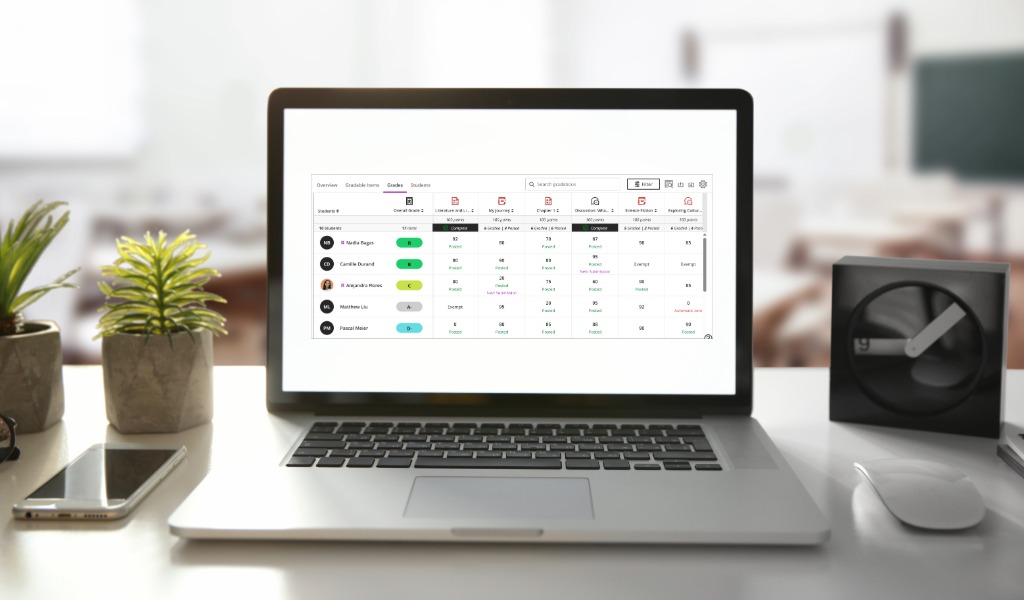
Ok,
There is a lot that does not change, so I will start with that:
- All gradebook columns, categories, and overall grade calculations
- Grade schemas and grading settings
- Flexible grading (opens and works the same)
- The List View / Gradable Items (no changes) <- my favorite view
- Course-level accommodations
- All assessment types: assignments, tests, forms, journals, discussions
- Download/upload gradebook (now located in Gradebook Settings)
- Anonymous grading workflows
- All existing grades and submission history
Again, all the stuff above does NOT change.
And when the new features are turned on, your current grades will not be affected either.
What are the changes, then, you ask? The changes have more to do with the way the information is presented to us for our workflow. Generally speaking, there are fewer panels opening in front of the information we might need, so you can still see the context for what you are doing. Other changes have to do with grouping items that kinda go together. For instance, accommodations, exceptions, and exemptions have been grouped, under Accommodations.
Thankfully, Blackboard has put together a nifty handout where all the changes are listed, with helpful “current, new” screenshots.
Ok, do not freak out again, the last 10 pages are only a repeat of all the screenshots in one place, and bigger.
I recommend downloading this and going over it several times, sections by sections, while following along on your own computer, and doing the clicky things as you go, so you can familiarize yourself with the changes.
For any questions about the changes to Gradebook, please contact Learning Technologies.
