by Learning Tech Dev | Oct 15, 2026 | Featured, Training, Video, YuJa Lumina
Jennifer Reyes of YuJa will be offering two trainings on our enterprise media platform, YuJa: YuJa Lumina Basic Training November 4 at 11:30 a.m. on Zoom This session will cover: browser capture, media management, video editor, embedding content in the course. YuJa...
by Learning Tech Dev | Oct 6, 2026 | Blackboard Ultra, Ed Tech Tools, Featured, Integrations, YuJa Lumina
Welcome back! This week I have put together three quick guides to help streamline your Blackboard environment, protect assessment integrity, and make video assignments far easier to manage. Here is what we are covering in this edition: GoReact vs. YuJa: Choosing...
by Christine Monnier | May 20, 2025 | Accessibility, Blackboard Ultra, Christine Monnier, Do One Thing in Ultra, Ed Tech Tools, Featured, Guest Blogger, Panorama, Qwickly, YuJa Lumina
As I finish this first year as Faculty Chair of Online Quality and Learning Technologies, I just thought I’d offer a recap of all the content I created over this academic year. The Foundations courses The very first thing I did was redesign entirely the LT...

by Christine Monnier | Apr 15, 2025 | Christine Monnier, Featured, Guest Blogger, Video, YuJa Lumina
Sometimes, you have a video that’s on the long-ish side. When that happens, you can do different things. First, you can slide your long video into shorter, individual ones, and then post them together as a playlist. Another option is to divide your video into...
by Christine Monnier | Mar 20, 2025 | Christine Monnier, Featured, Guest Blogger, Video, YuJa Lumina
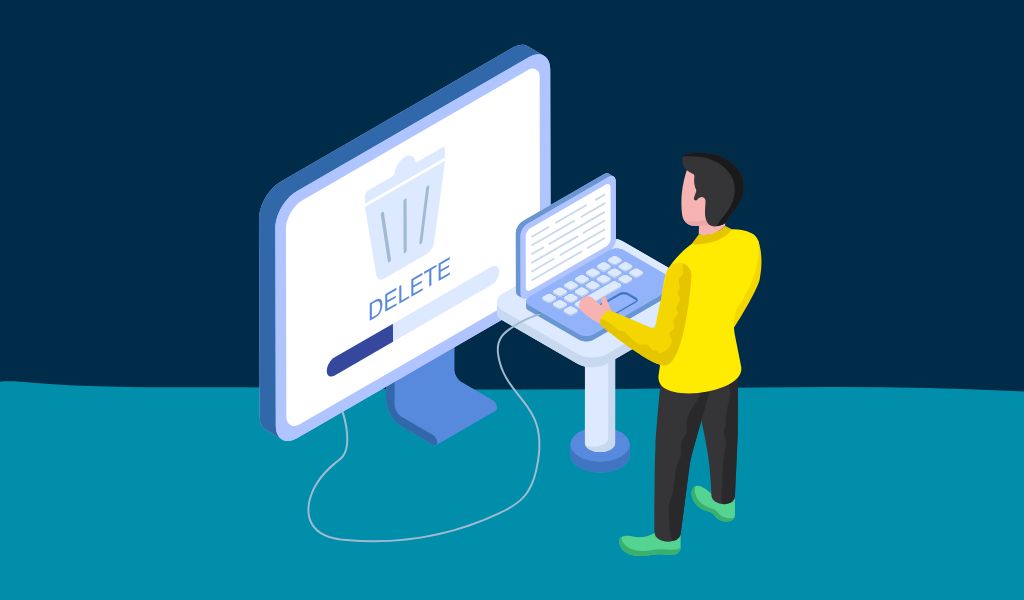
So, you’ve created a playlist in YuJa but now you want to delete it. So you go into YuJa, and then, you start scratching your head because where the heck is the delete / remove button?? Even when you right-click or hover over the playlists, nothing shows up and...
by Christine Monnier | Mar 18, 2025 | Christine Monnier, Featured, Guest Blogger, Video, YuJa Lumina
You don’t have to restart shooting an entire video because you made a mistake. Just stop talking for a couple of seconds, take a break, and resume talking. Then, in editing, remove the segment with the error. Repeat as needed. Trust me, it’s quicker and...